Connect your broker
To get started with OptionIncome, the first step is connecting your brokerage account.
After you subscribe to a plan or start a free trial, go to the Broker Panel and click your broker to begin the connection.
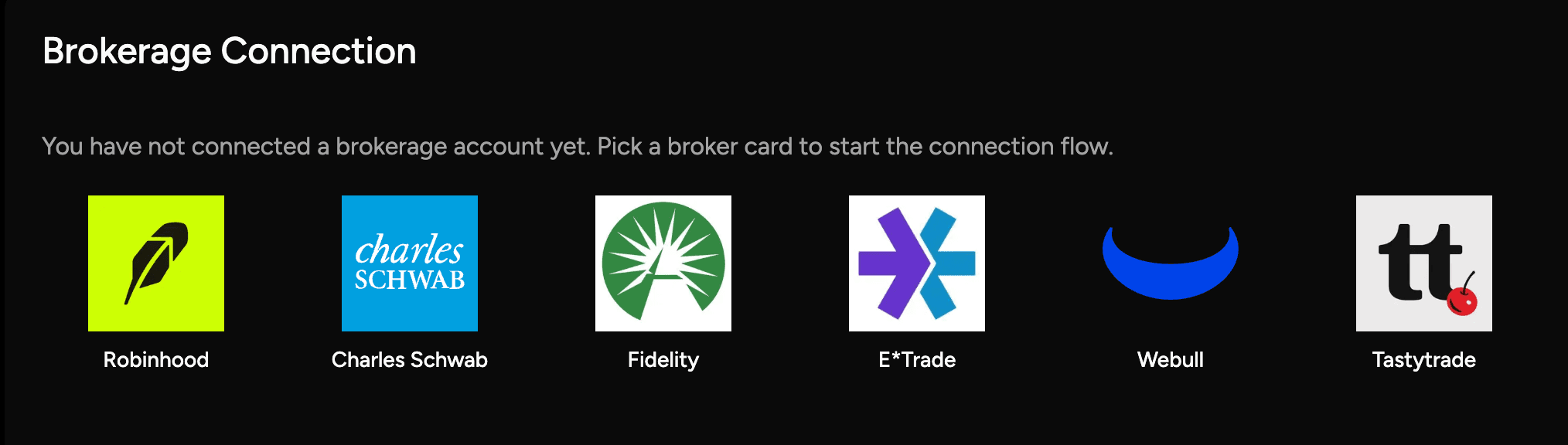
How the connection works
When you select a broker, you’ll be redirected to a secure connection flow powered by Snaptrade or the broker’s direct integration.
You’ll sign in with your broker as usual and grant read-only access so OptionIncome can import your positions and trade history.
- We never see or store your brokerage credentials
- Your connection is encrypted
- You can disconnect your broker at any time
Multiple brokers and accounts
OptionIncome supports connecting multiple accounts within the same broker, as well as multiple brokers under one OptionIncome account.
You can connect up to five brokers, switch between them easily, and view all your positions and history in one place — without needing separate logins or dashboards.
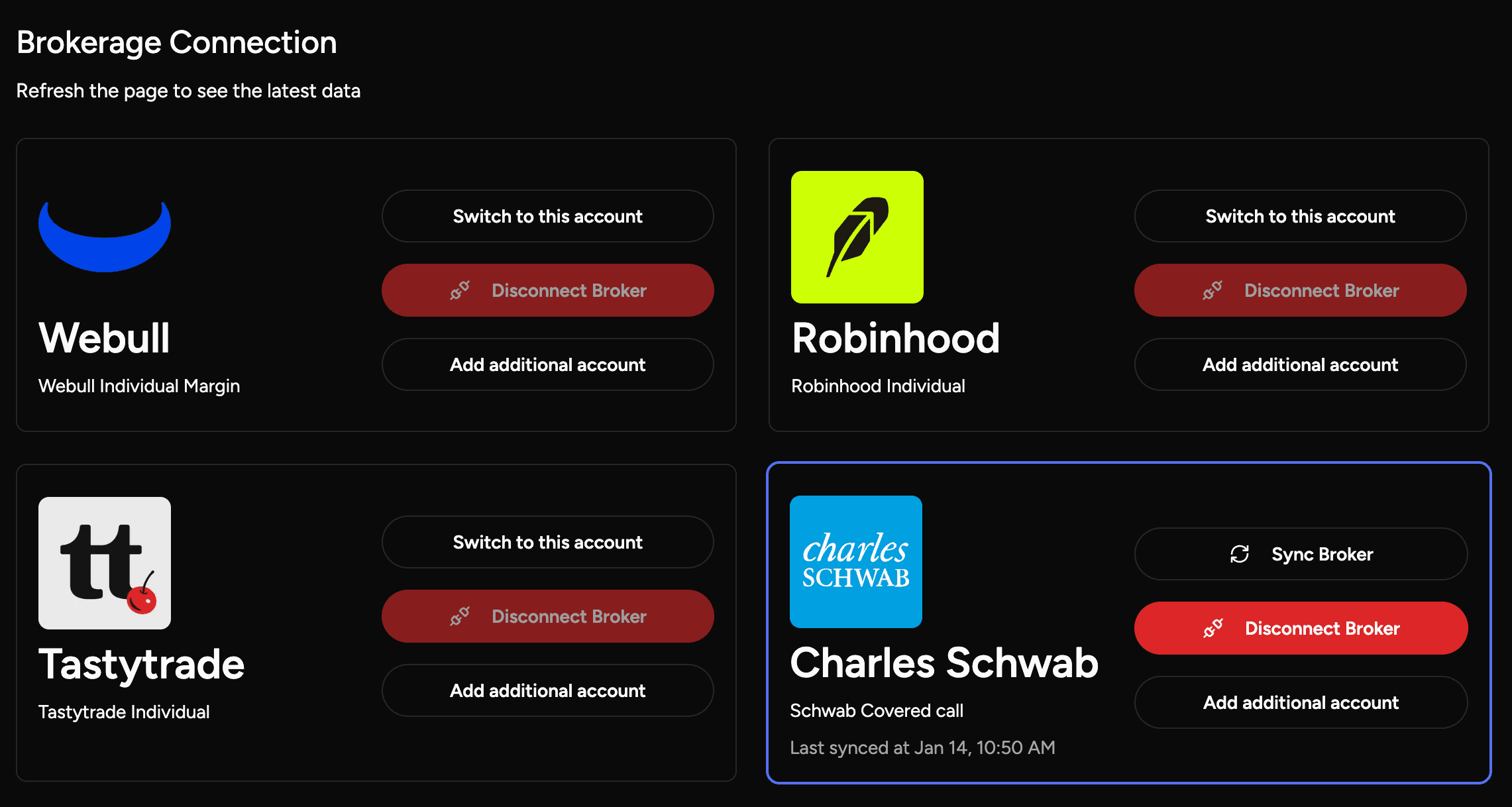
After you connect
Once the connection is complete, you’ll be automatically routed back to OptionIncome.
From there:
- Your option and equity positions will start loading
- You can trigger a full history import with one click
- Analytics and historical views will populate as the import completes
That’s it — no manual uploads or extra setup required.