Reconnect Broker
Some brokers—especially Charles Schwab—use OAuth access tokens that expire on a short schedule. For Schwab, this is typically about every 7 days. When the token expires, OptionIncome can no longer access your account until you reconnect.
This is a security requirement set by the broker and cannot be extended by OptionIncome. We’ve heard from the Schwab team that they’re working on extending the expiration period.
E*TRADE may also require reconnection if you connect the same brokerage account to another app through SnapTrade. Doing so terminates your existing connection with OptionIncome, and you’ll need to reconnect here to resume syncing.
How to Reconnect
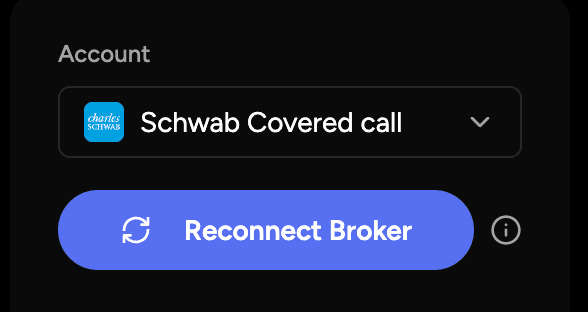
If your authorization expires, you’ll see a Reconnect Broker button in your dashboard.
Click it and follow the prompts to re-authenticate with your broker. The process usually takes less than a minute.
Once completed, you can sync your account as normal.
What Happens After You Reconnect
After you reconnect your broker:
- You do not need to re-import your full history
- Your existing data remains unchanged
- Syncing resumes from your last successful update
- No trades or positions are lost
You’ll simply pick up right where you left off.
If you experience repeated reconnect requests or syncing issues, please contact support and we’ll be happy to help.